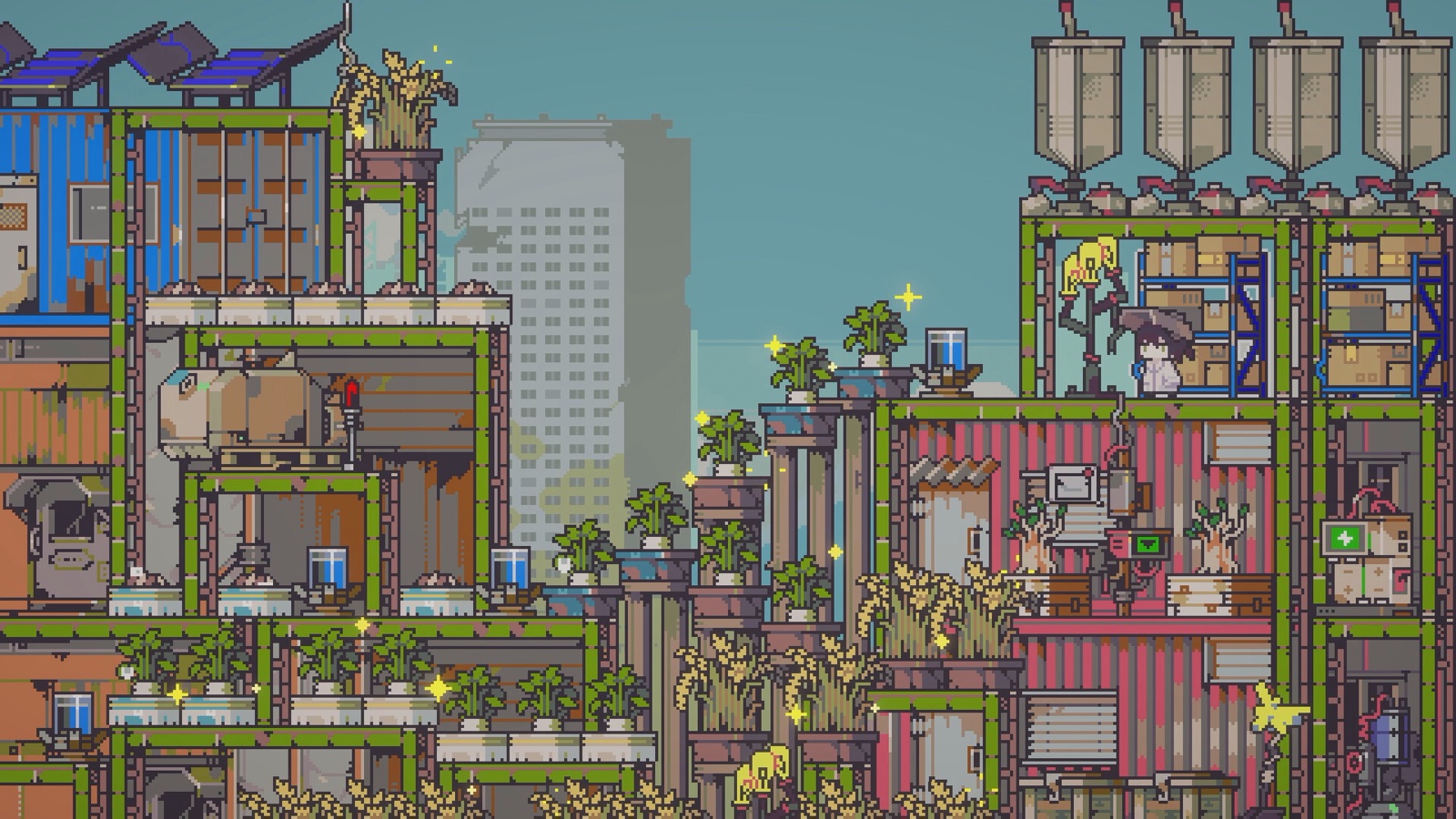

Complete a shipment
- 01
Interact with the Sell and Transport Drone and move the items you want to sell into its inventory grid.
- 02
Do not close the window yet. Find the small red lever next to the grid.
- 03
Click that lever with the mouse, or press LT/L2 on a controller.
- 04
Check that the shipping action has triggered instead of leaving the same items parked in the grid.
Why nothing happened
The drone window separates storage from confirmation. Several players reproduced the same confusion and confirmed that the on-screen instruction points to LT on a controller. The lever is visually small enough to look decorative on mouse and keyboard.
Before selling a full stack
- Keep quest items and one copy of uncommon collectibles until you have checked faction requests.
- Compare the current price if you are near a seasonal change; player guides report that some goods rise during the dry season.
- Use ordinary scrap or repeatable crops for a safe first test shipment.
SOURCES, NOT DECORATION
Sources checked
These links back up the mechanic, route, or noted uncertainty. Page wording, structure, and diagrams are original work.
- 01CommunitySteam: Selling stuff?
Multiple-player reproduction of the red-lever and LT/L2 confirmation controls.
- 02CommunitySteam guide: Doloc Town Useful Tips & Tricks
Independent selling-strategy context for repeatable early income and reported seasonal pricing.